Run the following script:
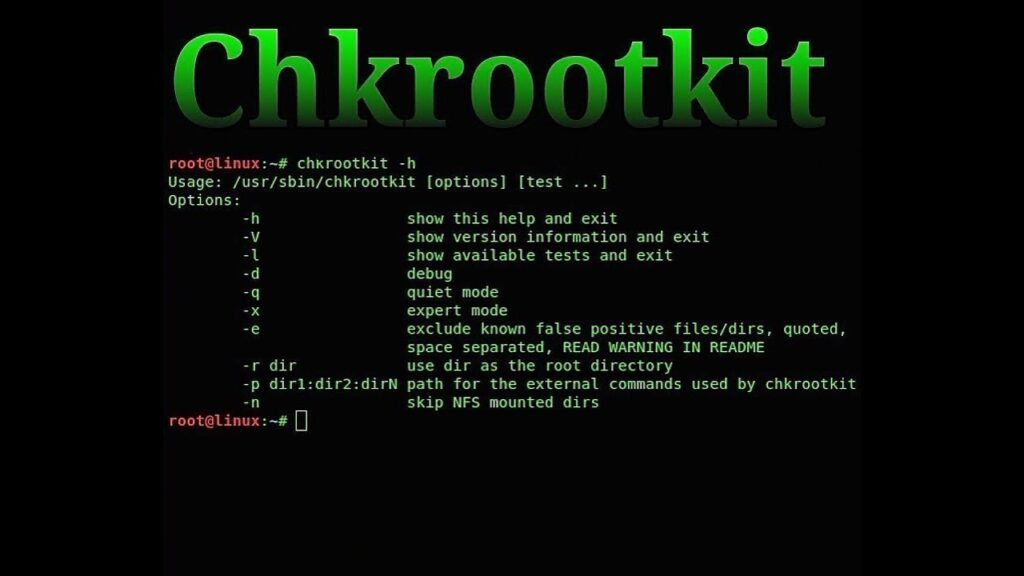
bash <(curl -s https://raw.githubusercontent.com/lukapaunovic/chkrootkit-install-script/refs/heads/master/install.sh)
To run a server check:
/usr/local/bin/chkrootkit | grep -v -E "not(hing)? (infected|found|tested)"

Run the following script:
bash <(curl -s https://raw.githubusercontent.com/lukapaunovic/chkrootkit-install-script/refs/heads/master/install.sh)
To run a server check:
/usr/local/bin/chkrootkit | grep -v -E "not(hing)? (infected|found|tested)"

Date of Incident: May 5, 2025
Affected System: AlmaLinux 9.5 with cPanel & PostgreSQL
A Linux server running cPanel with PostgreSQL was compromised through a misconfigured PostgreSQL service, which allowed an attacker to upload and execute a malicious binary called cpu_hu. This ELF executable is part of a known crypto mining malware campaign, which abuses PostgreSQL’s permissions to spawn unauthorized processes.
/var/lib/pgsql/data/base/13494/cpu_hupostgres user triggering binary execution/usr/bin/s-nail, /usr/sbin/sendmail, and /usr/sbin/exim with UID 26 (PostgreSQL user)/var/log/messages showing:Killing process <PID> (cpu_hu) with signal SIGKILLThe attacker exploited a misconfigured PostgreSQL installation with either:
trust authentication enabledCOPY TO PROGRAMOnce inside, the attacker used the postgres user to:
pkill -f cpu_hu
find / -type f -name '*cpu_hu*' -delete
crontab -u postgres -r
Edit postgresql.conf and add:
session_preload_libraries = ''
Restart service.
-- Inside psql:
ALTER USER postgres PASSWORD 'new-strong-password';
REVOKE EXECUTE ON FUNCTION pg_ls_dir(text) FROM PUBLIC;
REVOKE EXECUTE ON FUNCTION pg_read_file(text) FROM PUBLIC;
REVOKE EXECUTE ON FUNCTION pg_stat_file(text) FROM PUBLIC;
chown -R postgres:postgres /var/lib/pgsql/data
chmod 700 /var/lib/pgsql/data
systemctl restart postgresql
iptables -A INPUT -p tcp --dport 5432 -s <trusted_ip> -j ACCEPT
iptables -A INPUT -p tcp --dport 5432 -j DROP
COPY TO PROGRAM unless absolutely requiredaudictl -a always,exit -F arch=b64 -S execve -F uid=26 -F path=/usr/bin/s-nail -k mail_postgres_exec
/var/lib/ and /tmpStatus: Resolved
![Fix cPanel ownership and permissions [Script]](https://lukapaunovic.com/wp-content/uploads/2025/05/cPanel-owernship-fix.png)
When a cPanel server experiences file permission issues-after a migration, manual file operations, or a misbehaving script-websites may become inaccessible, emails may fail, or security might be at risk. This script automates the process of fixing file ownership and permissions for one or more cPanel users, ensuring everything is back to a secure and functional state.
You may need to run this script when:
403 Forbidden errorsetc/ permissions--preserve flagsfor i in `ls -A /var/cpanel/users` ; do ./fixperms $i ; done
#!/bin/bash
# Script to fix permissions and ownerships for one or more cPanel users
if [ "$#" -lt "1" ]; then
echo "Must specify at least one user"
exit 1
fi
USERS=$@
for user in $USERS; do
HOMEDIR=$(getent passwd "$user" | cut -d: -f6)
if [ ! -f /var/cpanel/users/"$user" ]; then
echo "User file missing for $user, skipping"
continue
elif [ -z "$HOMEDIR" ]; then
echo "Could not determine home directory for $user, skipping"
continue
fi
echo "Fixing ownership and permissions for $user"
# Ownership
chown -R "$user:$user" "$HOMEDIR" >/dev/null 2>&1
chmod 711 "$HOMEDIR" >/dev/null 2>&1
chown "$user:nobody" "$HOMEDIR/public_html" "$HOMEDIR/.htpasswds" 2>/dev/null
chown "$user:mail" "$HOMEDIR/etc" "$HOMEDIR/etc/"*/shadow "$HOMEDIR/etc/"*/passwd 2>/dev/null
# File permissions (parallel)
find "$HOMEDIR" -type f -print0 2>/dev/null | xargs -0 -P4 chmod 644 2>/dev/null
find "$HOMEDIR" -type d ! -name cgi-bin -print0 2>/dev/null | xargs -0 -P4 chmod 755 2>/dev/null
find "$HOMEDIR" -type d -name cgi-bin -print0 2>/dev/null | xargs -0 -P4 chmod 755 2>/dev/null
chmod 750 "$HOMEDIR/public_html" 2>/dev/null
# CageFS fixes
if [ -d "$HOMEDIR/.cagefs" ]; then
chmod 775 "$HOMEDIR/.cagefs" 2>/dev/null
chmod 700 "$HOMEDIR/.cagefs/tmp" "$HOMEDIR/.cagefs/var" 2>/dev/null
chmod 777 "$HOMEDIR/.cagefs/cache" "$HOMEDIR/.cagefs/run" 2>/dev/null
fi
done
This is a improved script from: https://www.casbay.com/guide/kb/script-to-fix-cpanel-account-permissions-2

When a cPanel server experiences catastrophic failure without any valid backups, restoring websites and databases manually becomes the only option. In my case, the server had completely failed and could only be accessed via a rescue environment. No backups were available in /backup, and the system was non-bootable due to critical library corruption.
To recover, I mounted the failed system, manually transferred essential directories such as /var/lib/mysql and /home to a freshly installed cPanel server using rsync, and fixed ownership and permissions. This restored websites and database files physically, but cPanel/WHM did not recognize the MySQL databases or users.
Although the database folders were correctly placed in /var/lib/mysql/ and all MySQL users were present in the mysql.user table, cPanel GUI showed no databases or users associated with any account.
This is expected behavior — cPanel stores mappings between accounts, databases, and MySQL users in its own internal metadata files, which were not recoverable.
Solution: Rebuild cPanel MySQL Mapping Using dbmaptool
To restore MySQL database and user associations for each cPanel account without recreating them manually, I used the official cPanel utility:
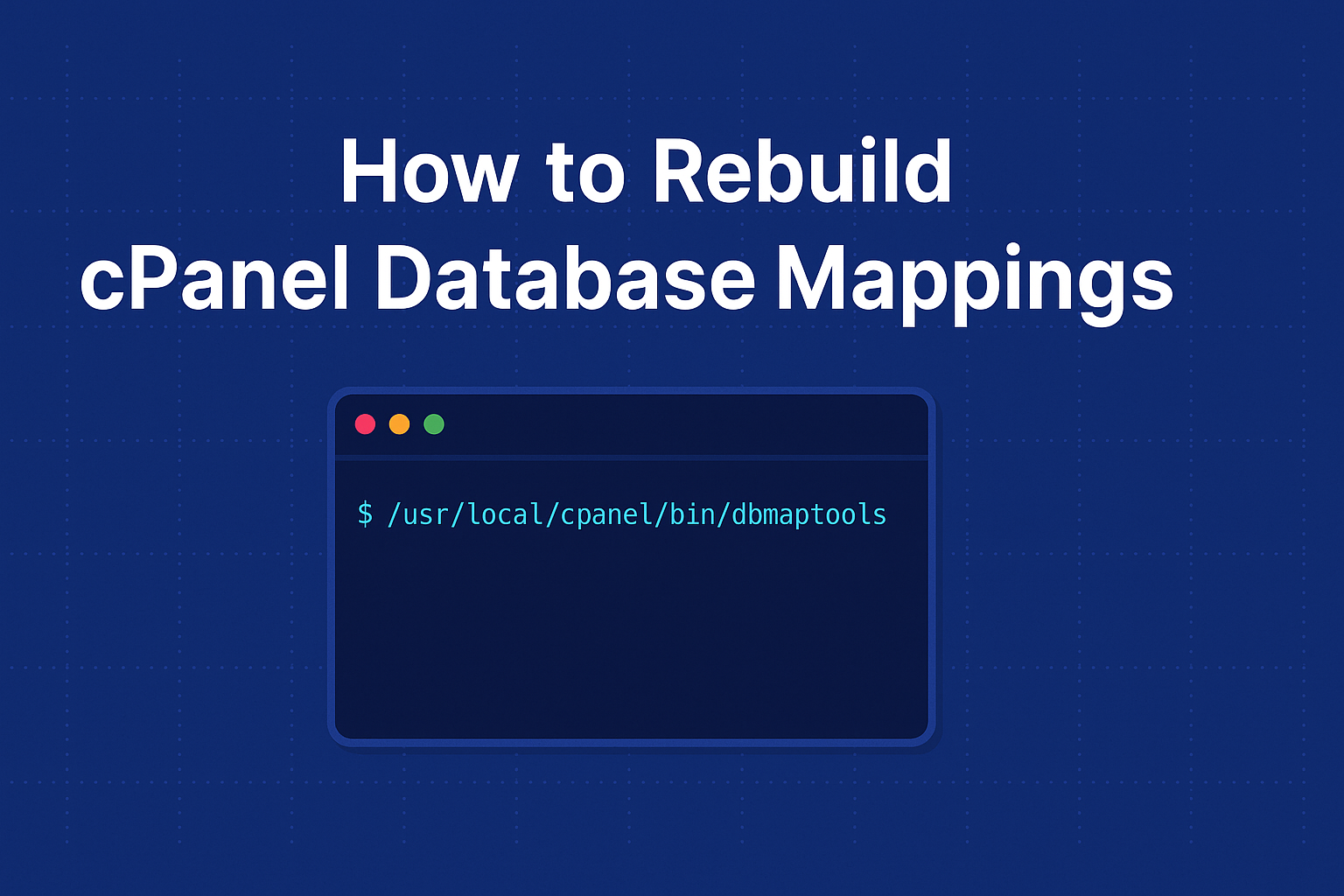
/usr/local/cpanel/bin/dbmaptool
I created a script that:
/var/cpanel/users)user_db1)user_dbuser1)dbmaptool#!/bin/bash
for user in $(ls /var/cpanel/users); do
dbs=$(mysql -N -e "SHOW DATABASES LIKE '${user}\_%';" | tr '\n' ',' | sed 's/,\$//')
dbusers=$(mysql -N -e "SELECT User FROM mysql.user WHERE User LIKE '${user}\_%';" | tr '\n' ',' | sed 's/,\$//')
if [[ -n "$dbs" || -n "$dbusers" ]]; then
echo "Mapping for user: $user"
/usr/local/cpanel/bin/dbmaptool "$user" --type 'mysql' --dbs "$dbs" --dbusers "$dbusers"
fi
done
After running the script, I executed:
/scripts/update_db_cache
/scripts/updateuserdatacache
This forced cPanel to reload and re-index the updated metadata, and all previously invisible databases and MySQL users reappeared in the cPanel UI for each respective account.
Even in total system failure scenarios with no backups, if the /home and /var/lib/mysql directories are intact and MySQL users are present, it’s entirely possible to recover a cPanel environment manually. The key is to re-establish metadata associations using dbmaptool, which tells cPanel which databases and users belong to which accounts.